Rich notes
Write and format notes with headings, lists, and a clean editing experience.
Book notes & recall
Capture notes and quotes, scan pages, transcribe voice, and review with quizzes — all running on your device.

Download
Take Notes, Quotes, and Recall
Notaria is a book notes app for iPhone. Save quotes, scan pages with OCR, transcribe voice notes, and remember what you read with quiz-based recall. Free.
Screenshots
Real screens from the App Store listing.
How it works
Notaria follows the way you actually read: build a bookshelf, capture while you read, and review until it sticks.
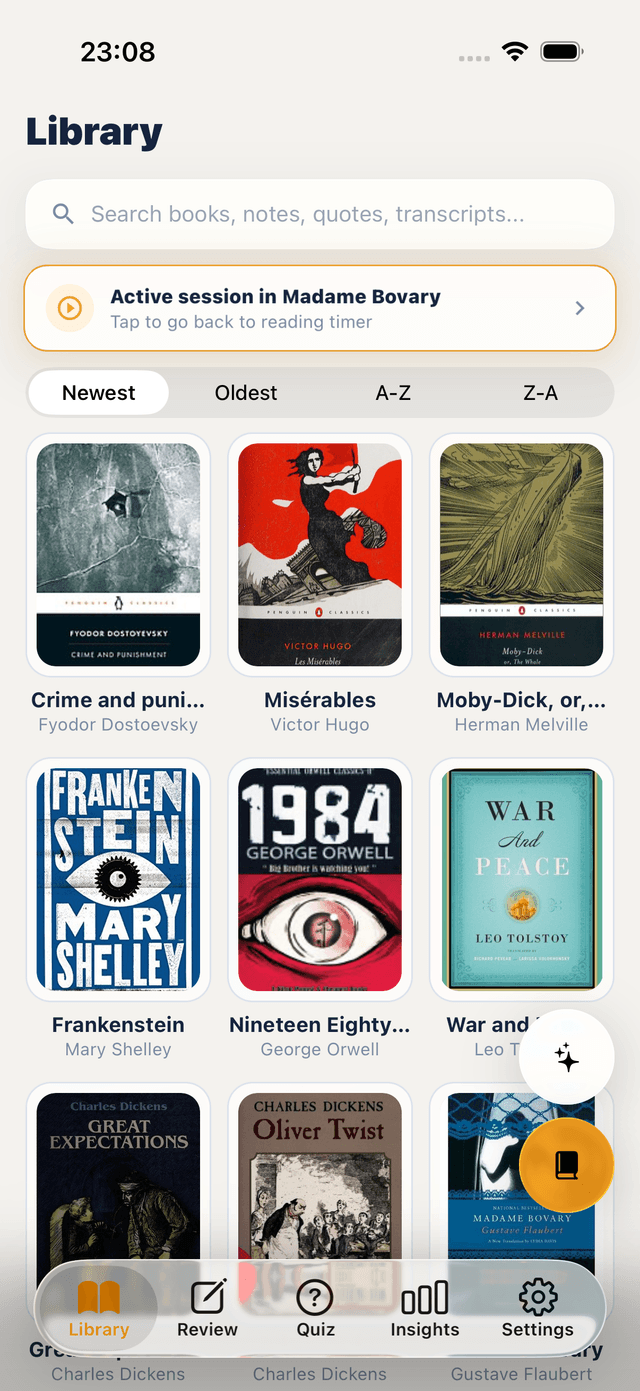
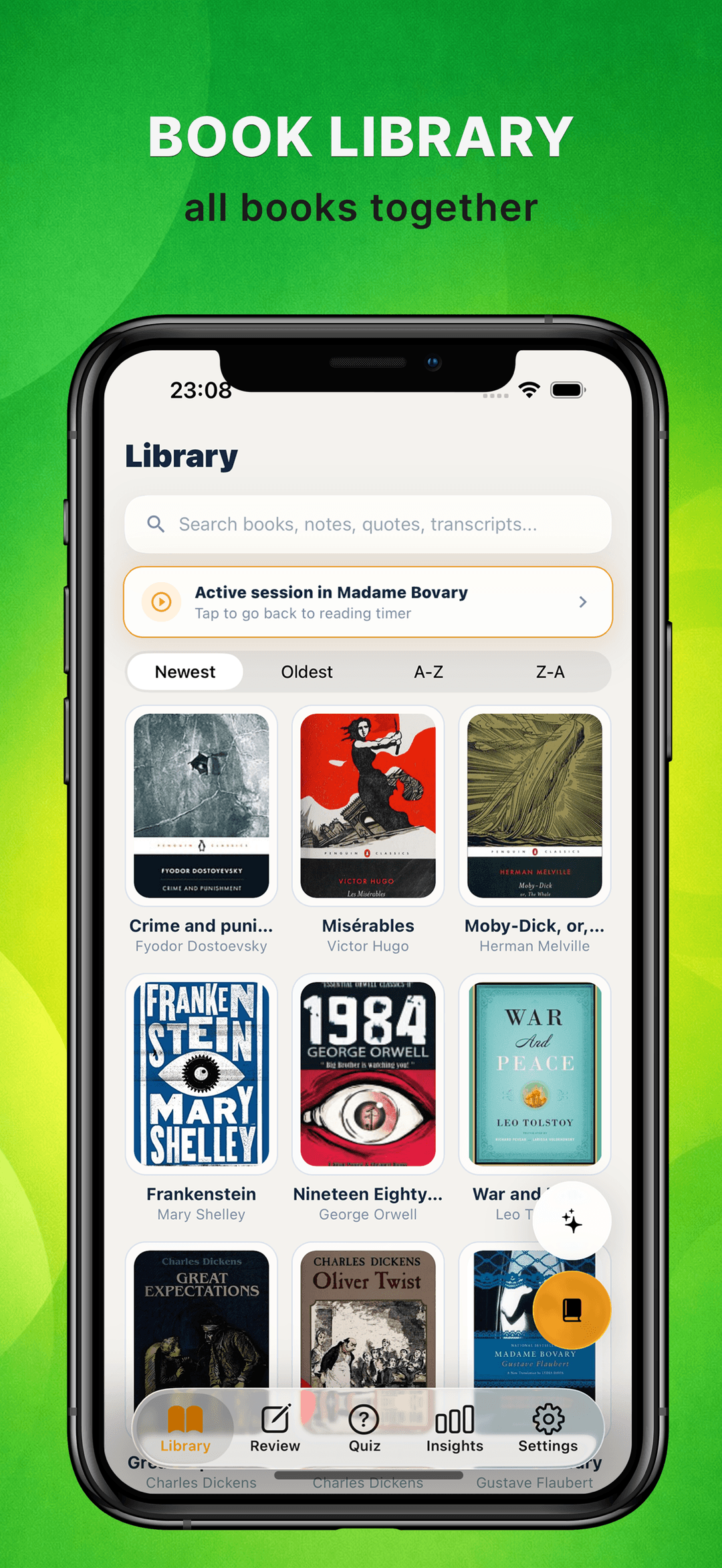
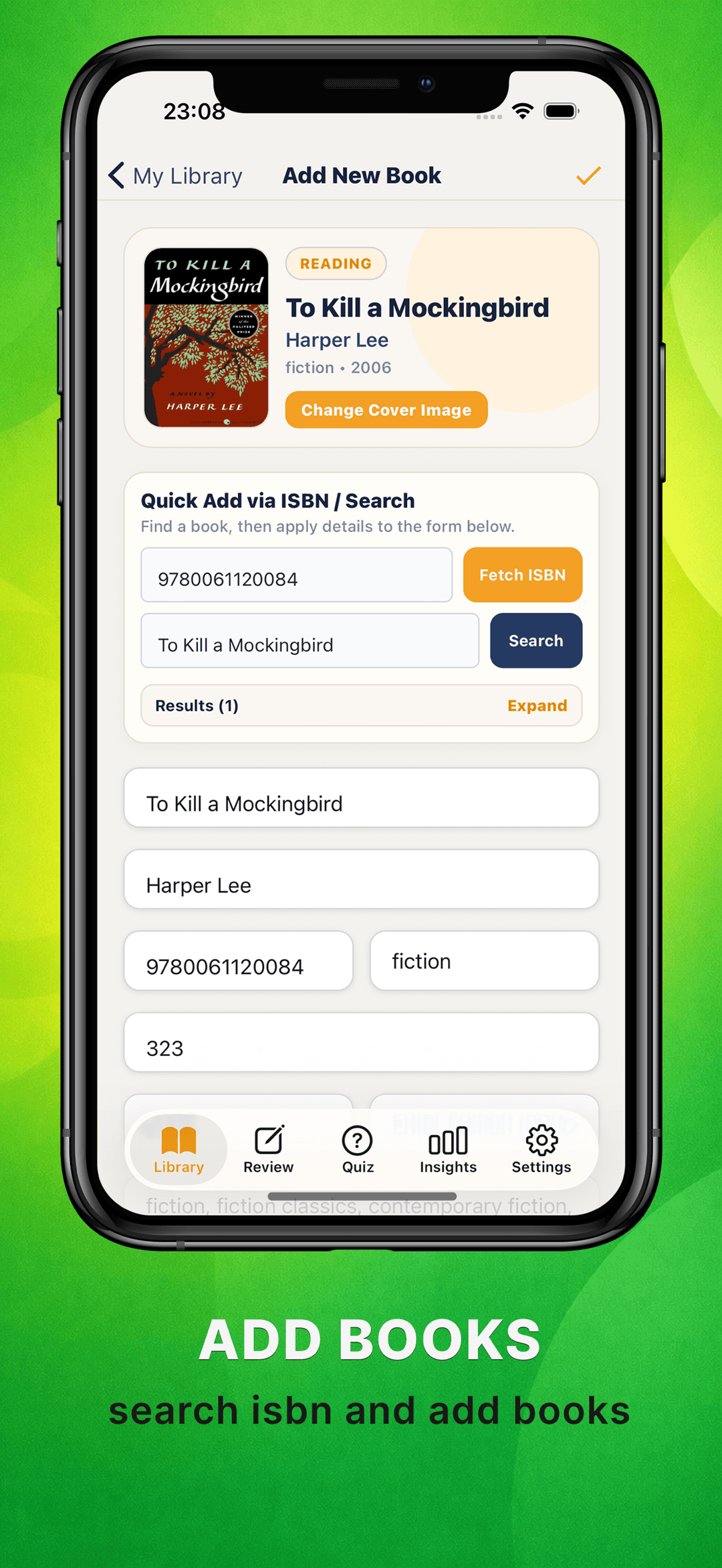
Search by title or scan the ISBN to add any book in seconds — cover, author, and page count included. Your bookshelf becomes the home for everything you capture.
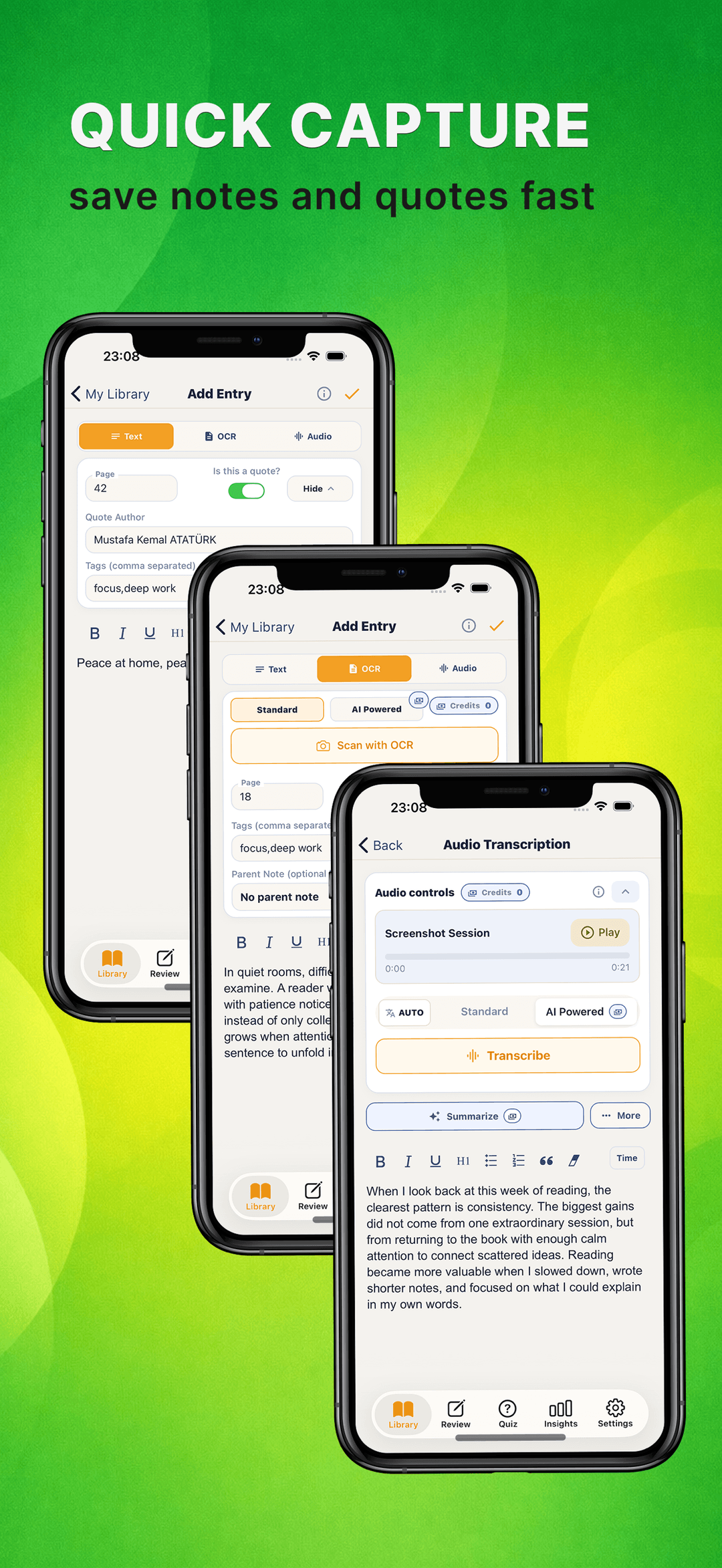
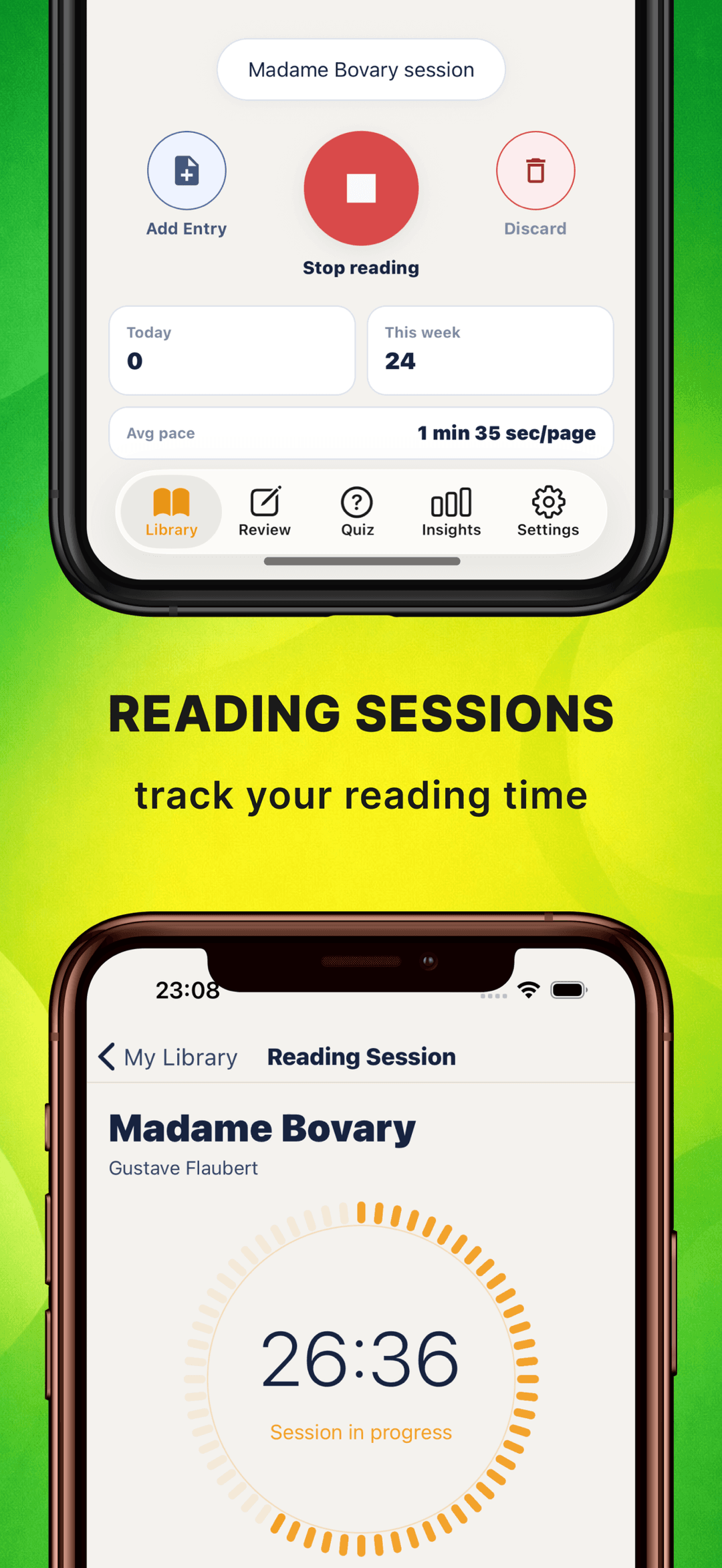
Type a quick note, mark it as a quote with author and page number, scan a printed page with OCR, or record a voice note and transcribe it — whatever keeps you in the flow.
Notes, quotes, scans, and transcripts are filed under the book they came from, with tags and page references, so nothing ends up in a junk drawer.
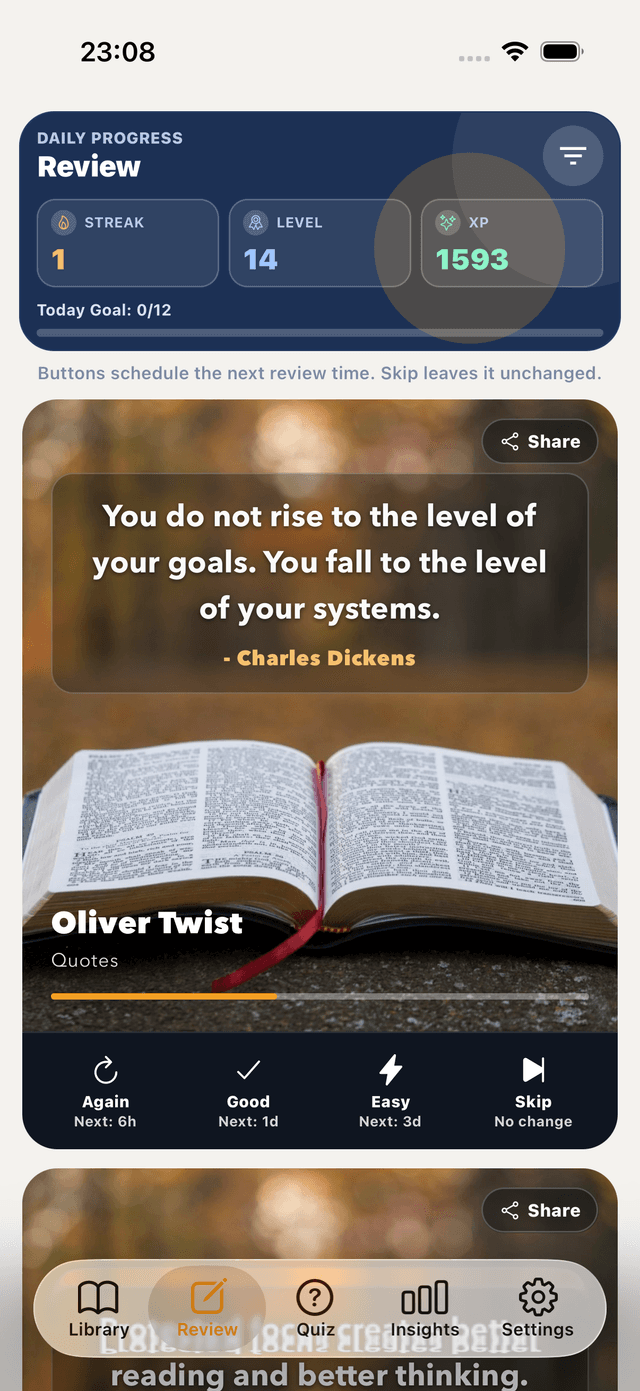
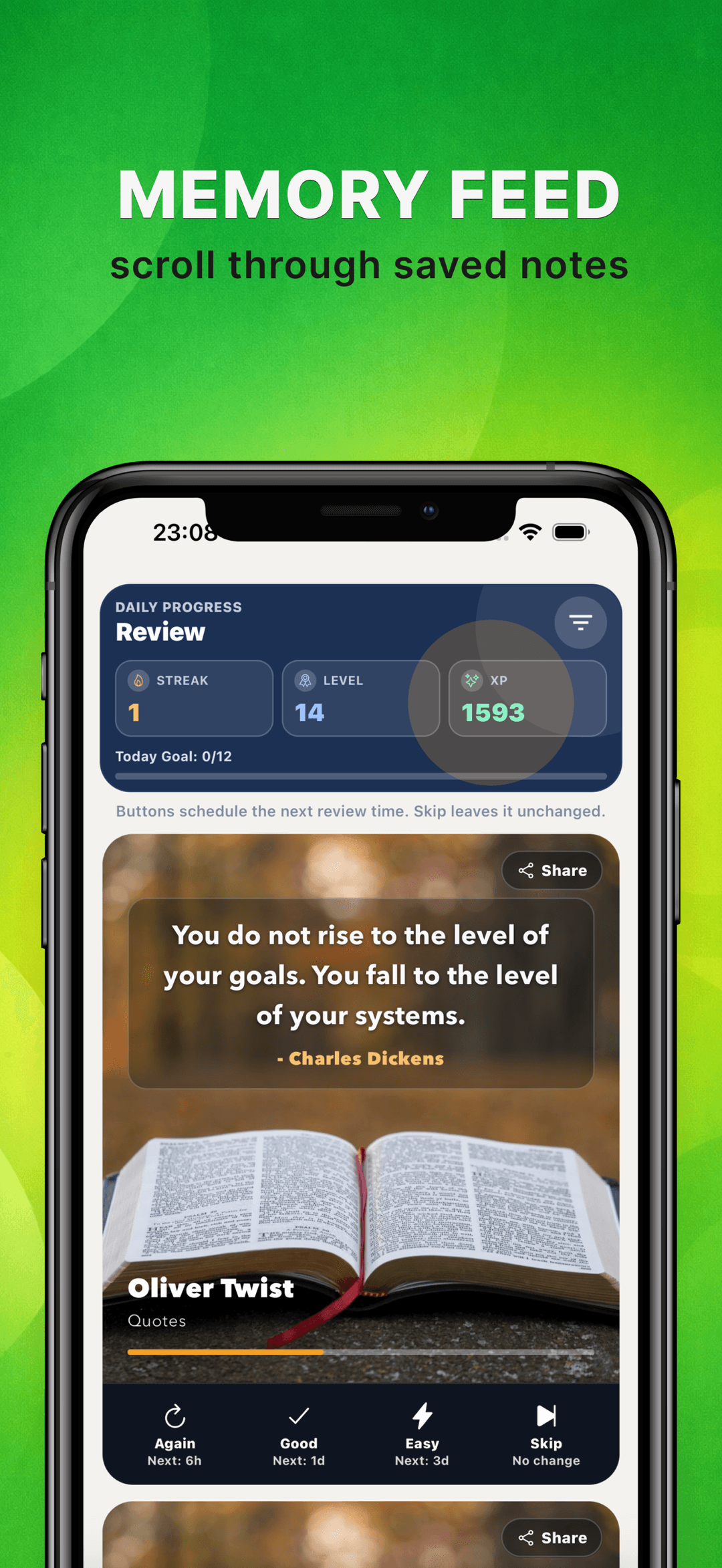
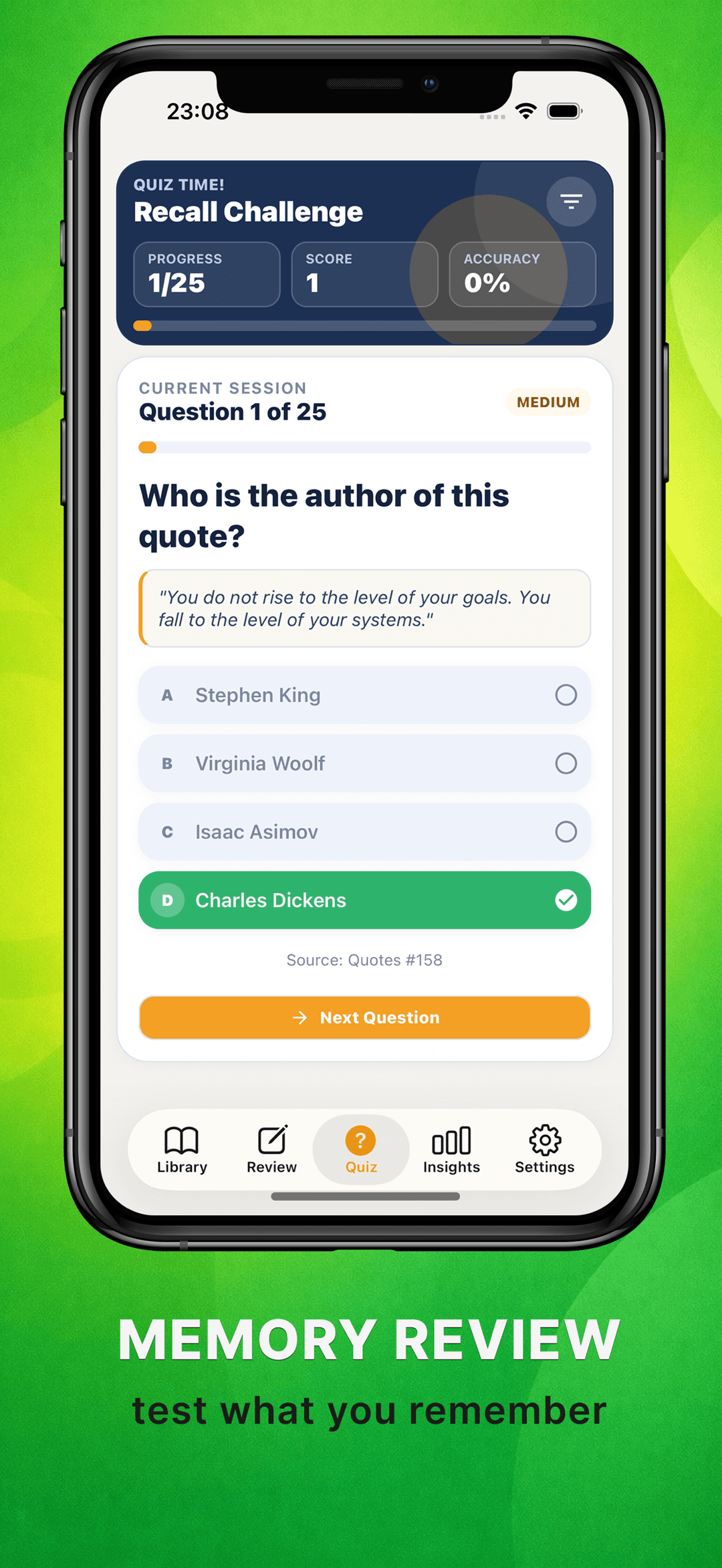
Notaria quizzes you on what you saved, schedules spaced reviews in the memory feed, and lets you search across every note and quote — so you actually remember what you read.
What it helps with
Notaria is a book notes app for iPhone. Save quotes, scan pages with OCR, transcribe voice notes, and remember what you read with quiz-based recall. Free.
Write and format notes with headings, lists, and a clean editing experience.
Review your saved notes and quotes with spaced recall and adaptive quizzes, so you actually remember what you read.
Scan pages and extract text on-device so images become usable notes.
Speak and turn your voice into notes without losing a thought — transcribed on your device.
Use tags, folders, and search to find what matters quickly.
Your library lives in a local database on your device. Capture, OCR, and transcription all run offline.
Guides
Answers to the questions people search, with step-by-step walkthroughs.
Five practical ways to save quotes from physical books — from notebooks to camera OCR — plus how to keep every quote searchable and organized.
Read guideForget 90% of a book within a week? Learn how active recall, spaced review, and better notes help you remember what you read — and how to automate it.
Read guideTurn printed book pages into searchable text on your iPhone. Compare Live Text and dedicated OCR apps, plus tips for cleaner, more accurate scans.
Read guideProven ways to take notes while reading — marginalia, notebooks, and digital capture — including methods for library books you can't write in.
Read guideBuild a digital commonplace book: what to collect, how to organize quotes and ideas, and which apps make your collection searchable and worth revisiting.
Read guideStop losing book notes across apps and notebooks. A simple system for organizing notes and quotes by book and theme — so you can find any idea again.
Read guideWhy it matters
Notaria is made for people who want notes to become a thinking system, not just a pile of text.
Spaced recall and adaptive quizzes turn your saved notes and quotes into long-term memory, and search brings any of it back in seconds — while keeping the original capture flow fast.
Take Notes, Quotes, and Recall
Capture what matters while you read, keep everything organized in one bookshelf, and come back to it when you want to remember more. Save notes, collect quotes, scan pages, transcribe audio, review with quizzes, and search across everything you saved.
Save notes, quotes, and ideas in seconds while reading.
Keep your books, notes, and quotes together in one clean reading space.
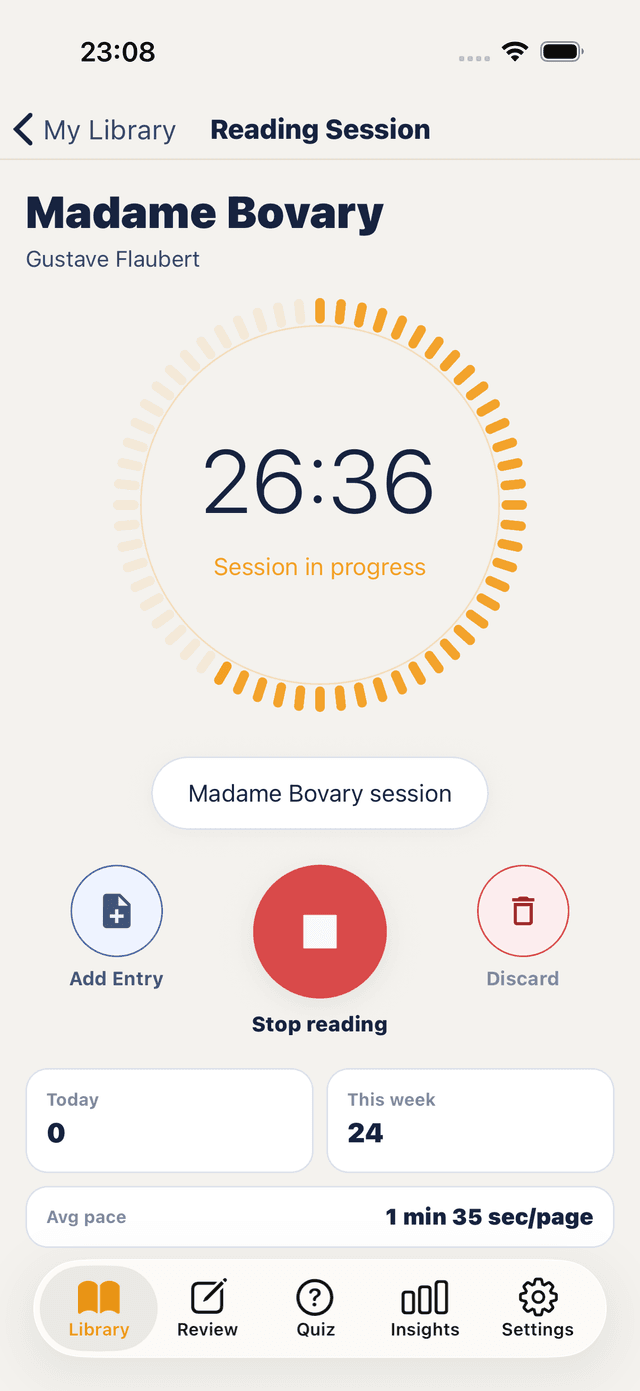
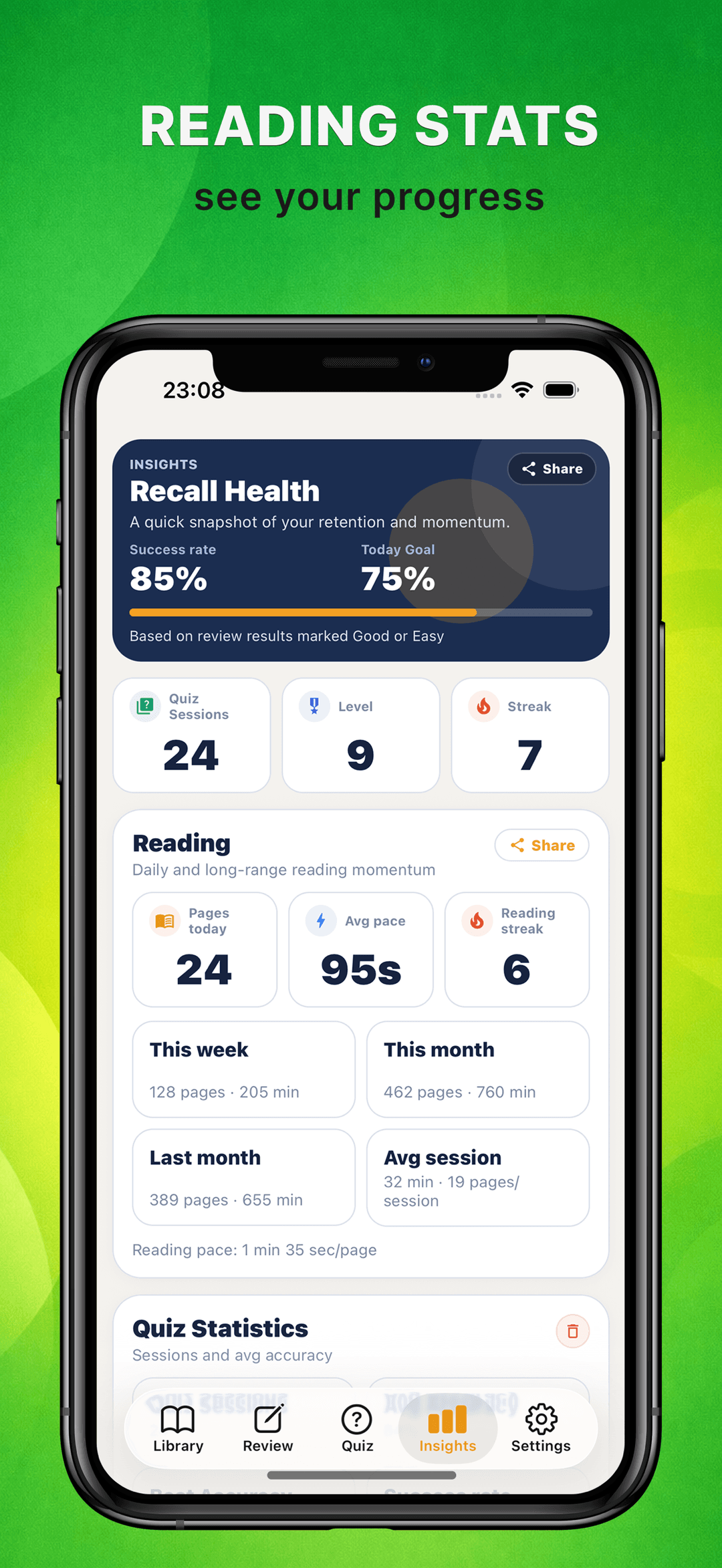
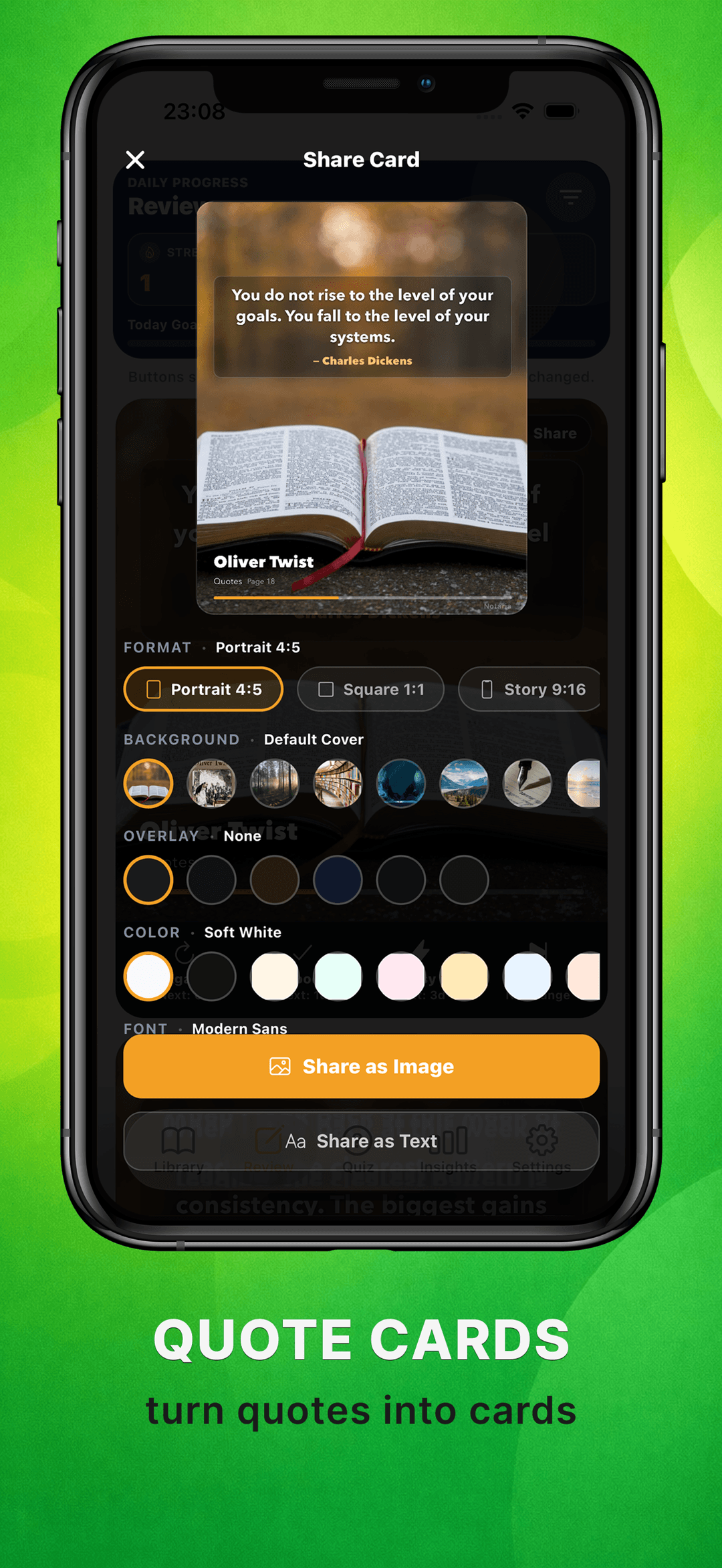
Return to what you saved with memory review, quiz flows, quote cards, and reading stats.
FAQ
Yes. Notaria is free to use — your bookshelf, notes, quotes, reading sessions, quizzes, recall, insights, sharing, export, on-device page scanning, and voice transcription are all included. The free plan covers up to 10 books; Premium is a single one-time purchase that unlocks unlimited books plus extra customization.
Premium unlocks unlimited books — the free plan covers up to 10 — plus extra customization: additional appearance themes, quiz question types, and recall card styles. It is a one-time purchase, not a subscription, so there is no recurring bill and nothing to cancel.
Page scanning runs entirely on your device and works on most clearly printed pages — no internet needed. Very small print, curved pages, and low light are harder, so a steady, well-lit, flat shot gives the cleanest text.
Yes. You can record a thought while reading and transcribe it with on-device speech recognition — the audio never leaves your phone. Transcription uses a speech model you download once inside the app, and accuracy depends on your device, the language, and the recording quality. Transcripts are saved to the book and become searchable.
Yes. Your notes, quotes, and books live on your device, and page scanning and transcription run locally. You only need a connection to look up new books by title or ISBN, and to download a speech model the first time.
Your books, notes, quotes, scans, and recordings stay in a local database on your device — they are not uploaded to us, and scanning and transcription run on-device. Like most apps, Notaria does collect anonymous usage analytics to improve the product.
You can turn any saved quote into a quote card and share it as an image (portrait, square, or story format) or as plain text. Notes and transcripts can be copied out of the app whenever you need them elsewhere.
Premium is a one-time purchase tied to your Apple or Google account, so you can restore it after a reinstall or a device change. Your library itself lives on your device — use the built-in backup and restore to move your books, notes, and quotes across.
Get started
Notaria is a book notes app for iPhone. Save quotes, scan pages with OCR, transcribe voice notes, and remember what you read with quiz-based recall. Free.